Tips for Organizing a Productive Home Office Space
Creating a productive home office space can make a big difference in your work efficiency and overall well-being. Whether you work remotely full-time or occasionally tackle projects from home, having an organized workspace helps reduce distractions and fosters focus. Here are some helpful tips to organize your home office for maximum productivity.
Choose the Right Location
Selecting a quiet and comfortable spot is the first step toward an effective home office. Ideally, choose a room with natural light and minimal noise. If space is limited, consider a corner or a section of a room dedicated solely to work. Avoid high-traffic areas to minimize interruptions.
Invest in Comfortable and Functional Furniture
Your office furniture should support your work habits comfortably.
– Ergonomic chair: Choose a chair that supports good posture, reducing back and neck strain.
– Desk: Pick a desk with enough surface area for your computer, documents, and other essentials. Adjustable desks or standing options can also promote movement.
– Storage: Incorporate shelves, filing cabinets, or drawers to keep supplies organized and within reach.
Declutter Your Workspace
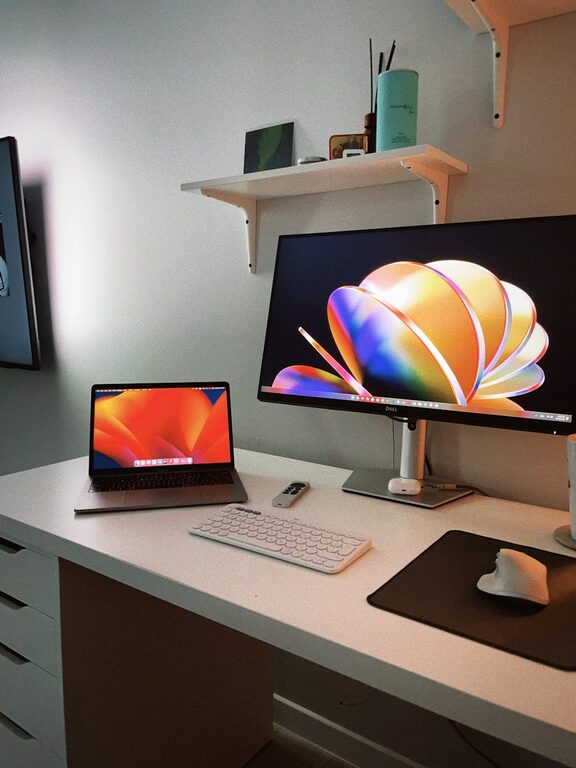
A cluttered desk can distract and overwhelm you. Keep only essentials on your desk, such as your computer, a notepad, and a pen. Regularly remove unnecessary papers and items. Use organizers, trays, or small containers to group items like paperclips, sticky notes, and charging cables.
Organize Digital Files and Tools
An organized physical space works best when paired with an orderly digital workspace.
– Create folders and subfolders on your computer for easy access to documents.
– Use digital tools like calendars, task managers, and note-taking apps to track your work.
– Regularly back up important files to cloud storage or external drives.
Optimize Lighting
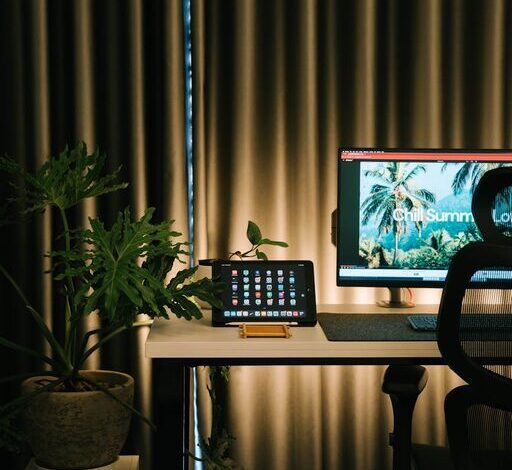
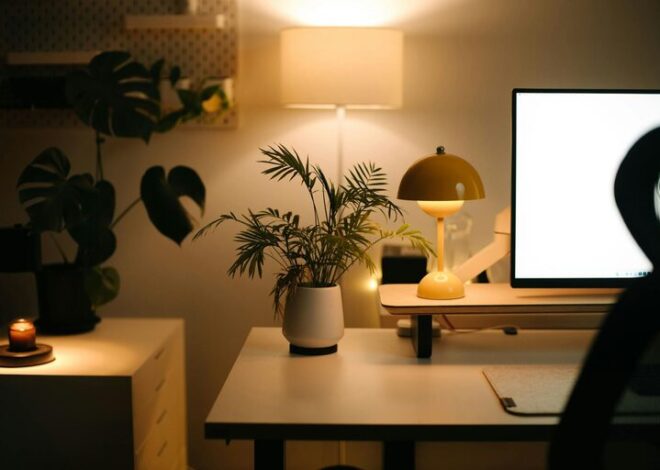
Good lighting reduces eye strain and improves focus. If possible, position your desk near a window for natural light. Supplement with adjustable desk lamps or overhead lighting with soft, warm tones. Avoid glare on your screens by adjusting blinds or screen brightness.
Minimize Distractions
Distractions can quickly derail your productivity. Consider these strategies:
– Use noise-canceling headphones or play soft background music to drown out household noise.
– Set clear boundaries with family or roommates about your work hours.
– Turn off unnecessary notifications on your phone or computer during work periods.
Personalize Thoughtfully
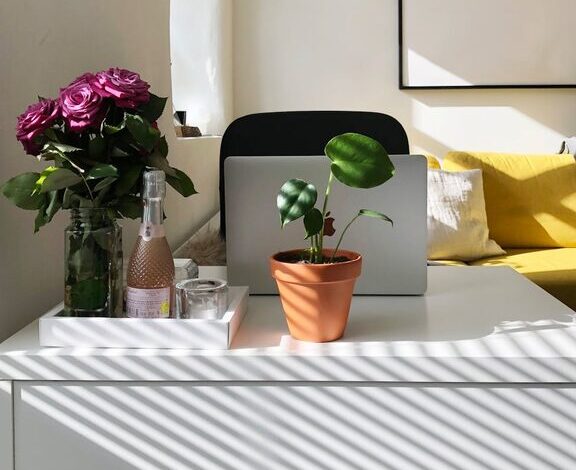
Adding personal touches to your office can make it inviting, but avoid overdecorating. A few items like a plant, a photo, or inspirational artwork can boost your mood without cluttering the space.
Establish a Routine and Keep It Clean
Maintaining a clean and organized office requires daily habits:
– Spend a few minutes at the end of each workday tidying your desk.
– Schedule weekly deeper clean-ups, including dusting and organizing shelves.
– Stick to a routine that includes regular breaks to stretch and refresh your mind.
Use Cable Management Solutions
Tangled cables are unsightly and can be frustrating. Use cable clips, sleeves, or ties to bundle cords neatly. Label cables if needed to quickly identify devices.
Incorporate Smart Storage Hacks
Maximize your space by using vertical storage like wall-mounted shelves or pegboards for frequently used tools. Drawer organizers keep small items separate and easy to find.
—
A well-organized home office can be a powerful tool to boost your productivity and enjoyment of work-from-home life. By thoughtfully arranging your space, managing clutter, and creating a comfortable environment, you set yourself up for success every day. Start small and gradually improve your setup to find what works best for you. Happy organizing!