Tips for Creating a Cozy and Productive Home Office Space
Creating a home office that feels cozy and encourages productivity can make a big difference in your work-from-home experience. Whether you’re setting up a new space or improving an existing one, small thoughtful changes can help you stay motivated and comfortable throughout the day. Here are some practical tips to help you design a home office that meets both your comfort and productivity needs.
Choose the Right Location
Find a Quiet Spot
Select a location in your home where noise and distractions are minimal. A quiet environment helps you focus better and makes conference calls or video meetings easier.
Use Natural Light
If possible, set up your office near a window. Natural light can boost your mood and energy levels. Position your desk to avoid glare on your computer screen while still benefiting from daylight.
Invest in Comfortable and Functional Furniture
Ergonomic Chair and Desk
A supportive chair and a desk at the right height are essential for long hours of work. Investing in ergonomics reduces strain on your back, neck, and wrists.
Keep It Organized
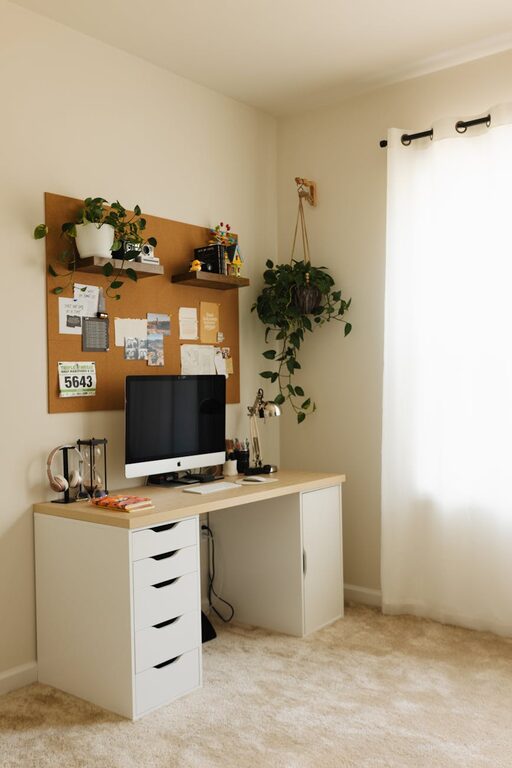
Choose furniture that offers storage options like drawers or shelves. Keeping your workspace tidy helps cut down distractions and improves focus.
Personalize Your Workspace
Add Cozy Elements
Incorporate soft textures like a small rug, cushions, or a throw blanket. These make your workspace feel inviting and comfortable.
Use Personal Items Wisely
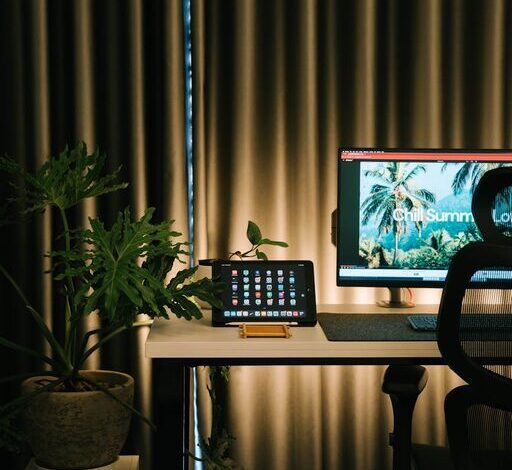
Display a few photos, plants, or artwork that inspire you, but avoid crowding the space. The goal is to feel at home without clutter.
Manage Lighting Effectively
Layer Your Lighting
Combine different types of lighting, such as natural light, task lighting, and ambient lighting. A desk lamp with adjustable brightness can help reduce eye strain during late hours.
Avoid Overhead Harsh Lighting
Soft, warm light is more comfortable and helps create a cozy atmosphere than bright fluorescent bulbs.
Organize and Declutter
Daily Tidy-Up
Spend a few minutes at the end of each workday clearing your desk and putting things away. A clean desk can improve your mental clarity.
Use Organizational Tools
Incorporate trays, file holders, or drawer organizers to keep papers, cables, and supplies neat and accessible.
Incorporate Technology Wisely
Reliable Equipment
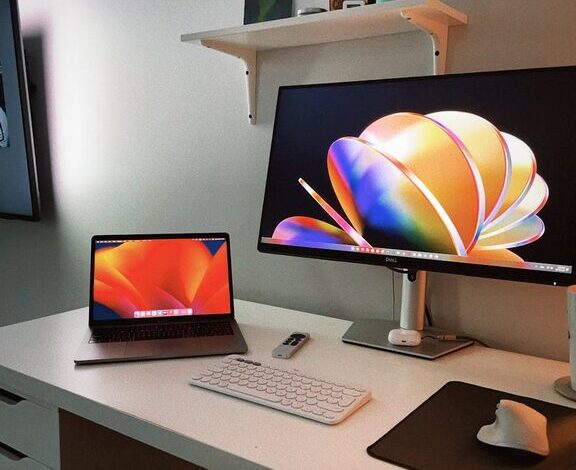
Use equipment that meets your work needs, including a good-quality monitor, keyboard, mouse, and internet connection to avoid frustrating interruptions.
Cable Management
Keep cords under control with clips, sleeves, or a cable box. This prevents tangling and keeps your workspace looking clean.
Establish Routine and Boundaries
Set Work Hours
Define clear working times to create a healthy separation between work and personal life. This helps you stay productive during work hours and relax afterward.
Use Visual Cues
Closing a door or setting up a screen can signal the start and end of your workday, helping maintain focus and balance.
Add Plants for a Refreshing Touch
Benefits of Greenery
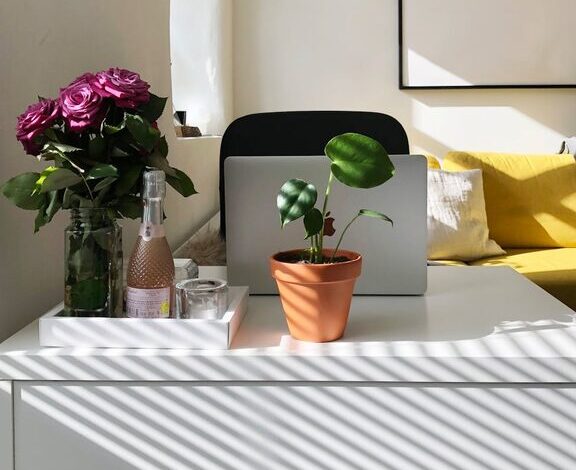
Plants can improve air quality and add life to your workspace. Choose low-maintenance varieties like succulents or pothos if you don’t have a green thumb.
Placement Tips
Place plants near your desk or on shelves at eye level to create a calming environment.
Keep Air Quality and Comfort in Mind
Ventilation
Ensure your office has good airflow. Fresh air keeps you alert and reduces feelings of stuffiness.
Temperature Control
Adjust room temperature to a comfortable level. If you share space with others, consider using a fan or portable heater to personalize your comfort.
Final Thoughts
Creating a cozy and productive home office is about balancing comfort with function. Personalizing your space, investing in good furniture, and maintaining an organized environment can make working from home more enjoyable and efficient. Remember, small changes add up, so start with a few adjustments and build your ideal workspace over time.